
Latest news –
New ScanSnap Go Feature Makes the ScanSnap iX2500 Even Smarter for Flexible Working
The ScanSnap iX2500 is already one of the most convenient desktop document scanners for modern homes, offices and hybrid workspaces. Now, with the launch of the new ScanSnap Go feature, it has become even more flexible.
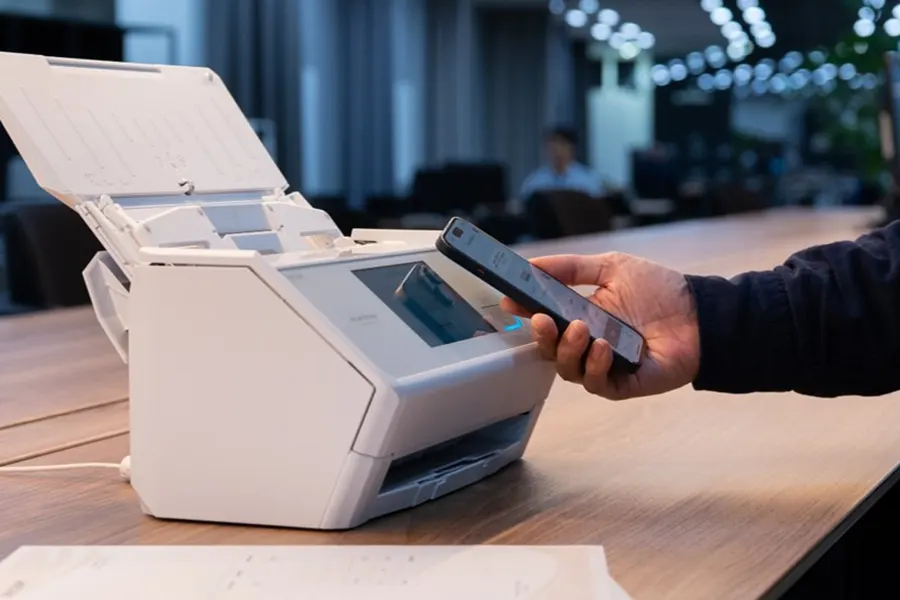
ScanSnap Go allows users to connect their smartphone to a ScanSnap iX2500 simply by holding it near the scanner. This makes it easier to scan quickly using your own preferred settings, even when you are using a shared iX2500 in another office, at a hot desk, at home or while travelling between locations.
For businesses, home workers and anyone trying to reduce paper clutter, this update makes the ScanSnap iX2500 an even stronger choice.
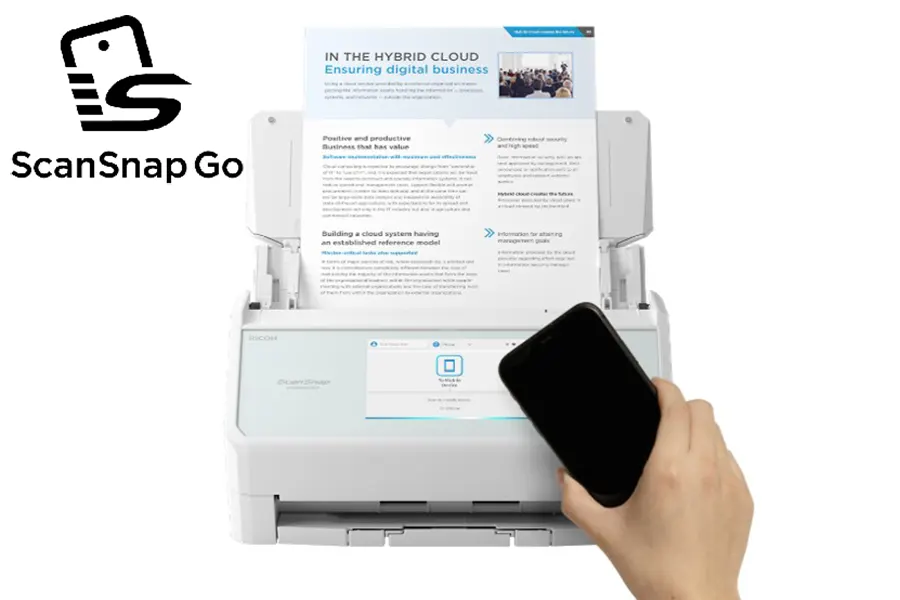
What is ScanSnap Go?
ScanSnap Go is a new feature for the ScanSnap iX2500 that helps you scan with your own settings without needing to manually set everything up each time.
By holding your smartphone close to the scanner, you can temporarily connect to the iX2500 and access your usual scan profiles. That means you can walk up to a compatible iX2500, scan the documents you need, and keep the experience familiar wherever you are working.
It is especially useful for shared environments where more than one person uses the same scanner.

Why ScanSnap Go is useful for modern workplaces
Many teams no longer work from one fixed desk every day. Hybrid working, hot-desking, branch offices and shared workspaces are now common. That flexibility is great, but it can make everyday admin tasks more awkward if devices are not easy to share.
ScanSnap Go helps solve that problem.
Instead of relying on one scanner being set up for one person, users can connect using their own smartphone and work with their own scan settings. This helps keep scanning simple, consistent and quick.
It is ideal for:
- Hot-desking and flexible office spaces
- Shared scanners in busy departments
- Branch offices and multi-site teams
- Business travel and temporary workspaces
- Family members sharing one scanner at home
- Scanning documents at events, exhibitions or trade shows
For businesses that want to keep paperwork moving without slowing people down, this is a practical update.
Why it makes the ScanSnap iX2500 even more appealing
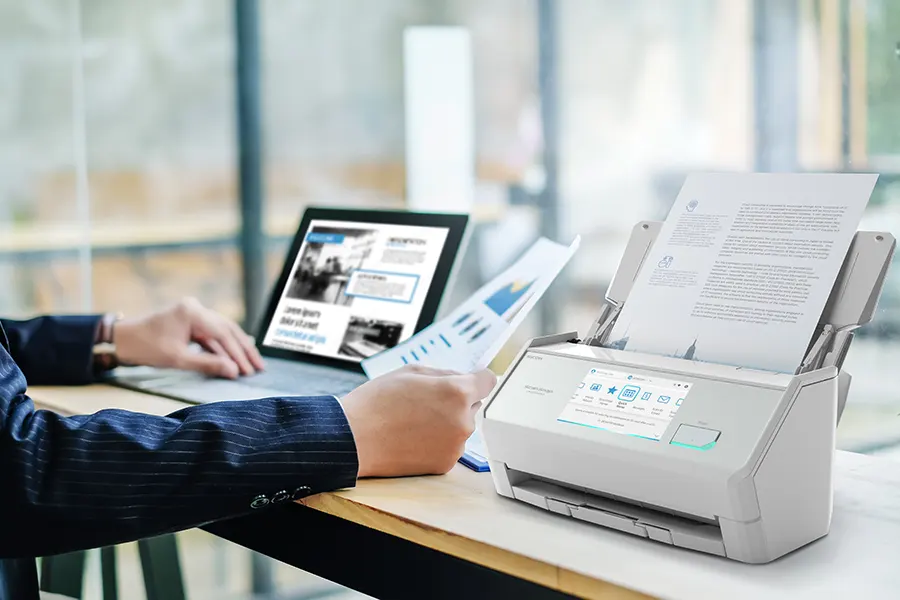
The ScanSnap iX2500 is designed to make everyday document capture simple. It offers fast, convenient desktop scanning with flexible connectivity, including USB, Wi-Fi and smart device support.
That makes it a strong fit for users who want to scan invoices, receipts, contracts, letters, forms and general office paperwork without a complicated setup.
With ScanSnap Go added to the mix, the iX2500 becomes even better suited to shared and flexible environments. Instead of being just a personal desktop scanner, it can work more naturally as a shared scanning point for multiple users.
This is particularly useful for small businesses and teams that want one reliable scanner that can support different users, different workflows and different destinations.
A better way to support shared scanning
Shared office equipment can sometimes create issues around convenience and privacy. ScanSnap Go has been designed with shared use in mind.
The connection is temporary, and once disconnected, user information is cleared from the iX2500. This makes the feature well suited to offices, departments and shared spaces where multiple people may use the same scanner during the day.
For teams handling paperwork regularly, this helps create a smoother and more secure scanning experience.
Scan using your own settings
One of the biggest benefits of ScanSnap Go is consistency.
When you use scanning regularly, you often have preferred settings for different types of documents. For example, you may want receipts saved in one format, invoices sent to a specific folder, or general paperwork saved as searchable PDFs.
ScanSnap Go helps make that process more personal and repeatable. You can use your own scan settings on a compatible iX2500, helping to reduce manual adjustments and save time.
That means less fiddling with settings and more focus on getting documents digitised properly.
Perfect for paper-light working
The ScanSnap iX2500 is a great option for anyone looking to move towards a more organised, paper-light way of working.
It can help with:
- Digitising incoming paperwork
- Turning paper records into searchable files
- Reducing desk clutter
- Improving document retrieval
- Supporting remote and hybrid working
- Creating more consistent scanning workflows
Whether you are scanning accounts paperwork, HR documents, contracts, delivery notes, application forms or general correspondence, the iX2500 helps make the process easier.
With ScanSnap Go, that convenience now extends even further across shared and flexible spaces.
Buy the ScanSnap iX2500 from BDM ArcScan
At BDM ArcScan, we do more than supply scanners. We help customers choose the right scanning solution for the way they actually work.
When you buy a ScanSnap scanner from BDM ArcScan, you also benefit from our expert support. Every ScanSnap scanner purchase includes 12 months of free TechAssist, giving you access to telephone, email and remote support to help with setup, scan profiles, file settings and everyday scanning workflows.
That means you can get up and running quickly and make the most of features like ScanSnap Go.
Already have a ScanSnap iX2500?
With a quick firmware update, you can start using ScanSnap Go straight away. Simply update your scanner through the ScanSnap Home software, then follow this handy guide below to get started – Updating the Firmware in ScanSnap Home, plus don’t forget to download the ScanSnap Home app for Android or iOS.
ScanSnap Go FAQs
What is ScanSnap Go?
ScanSnap Go is a feature for the ScanSnap iX2500 that lets you connect your smartphone to the scanner quickly and use your own scan settings. It is designed to make scanning easier in shared offices, hot-desking spaces and flexible working environments.
Which scanner works with ScanSnap Go?
ScanSnap Go is available for the ScanSnap iX2500. To use the feature, you will need to update your scanner’s firmware through the ScanSnap Home software.
How do I update my ScanSnap iX2500 for ScanSnap Go?
You can update your ScanSnap iX2500 through the ScanSnap Home software. Once the firmware update is complete, you can start using ScanSnap Go with a compatible smartphone. For more help, visit Updating the Firmware in ScanSnap Home
Is ScanSnap Go useful for shared offices?
Yes. ScanSnap Go is especially useful in shared workspaces because it allows different users to connect to the same iX2500 with their own scan settings. This makes scanning faster and more personal without needing to adjust the scanner manually each time.
Can I use ScanSnap Go when hot-desking?
Yes. If your workplace uses shared desks or shared scanners, ScanSnap Go can help you scan more easily. You can walk up to a compatible ScanSnap iX2500, connect using your smartphone and use your preferred scanning setup.
Does ScanSnap Go store my information on the scanner?
ScanSnap Go is designed for temporary use. Once you disconnect, your user information is cleared from the scanner, making it a practical option for shared environments.
Why choose the ScanSnap iX2500?
The ScanSnap iX2500 is a fast, flexible desktop document scanner with duplex scanning, a 100-sheet feeder, Wi-Fi connectivity and a large touchscreen. With ScanSnap Go, it becomes even more useful for teams, home offices and shared workspaces.
Where can I buy the ScanSnap iX2500?
You can buy the ScanSnap iX2500 from BDM ArcScan. We also include 12 months of free TechAssist support with ScanSnap scanner purchases, helping you get set up and make the most of your scanner. For more information, click here .
Ready to Make Scanning Simpler with ScanSnap Go?
The new ScanSnap Go feature makes the ScanSnap iX2500 an even smarter choice for busy offices, shared workspaces and home users who want quick, flexible document scanning.
Whether you’re upgrading your current scanner or choosing a new one for your team, the iX2500 gives you the speed, simplicity and flexibility to keep paperwork moving.
Explore the ScanSnap iX2500 today and see how BDM ArcScan can help you scan smarter.